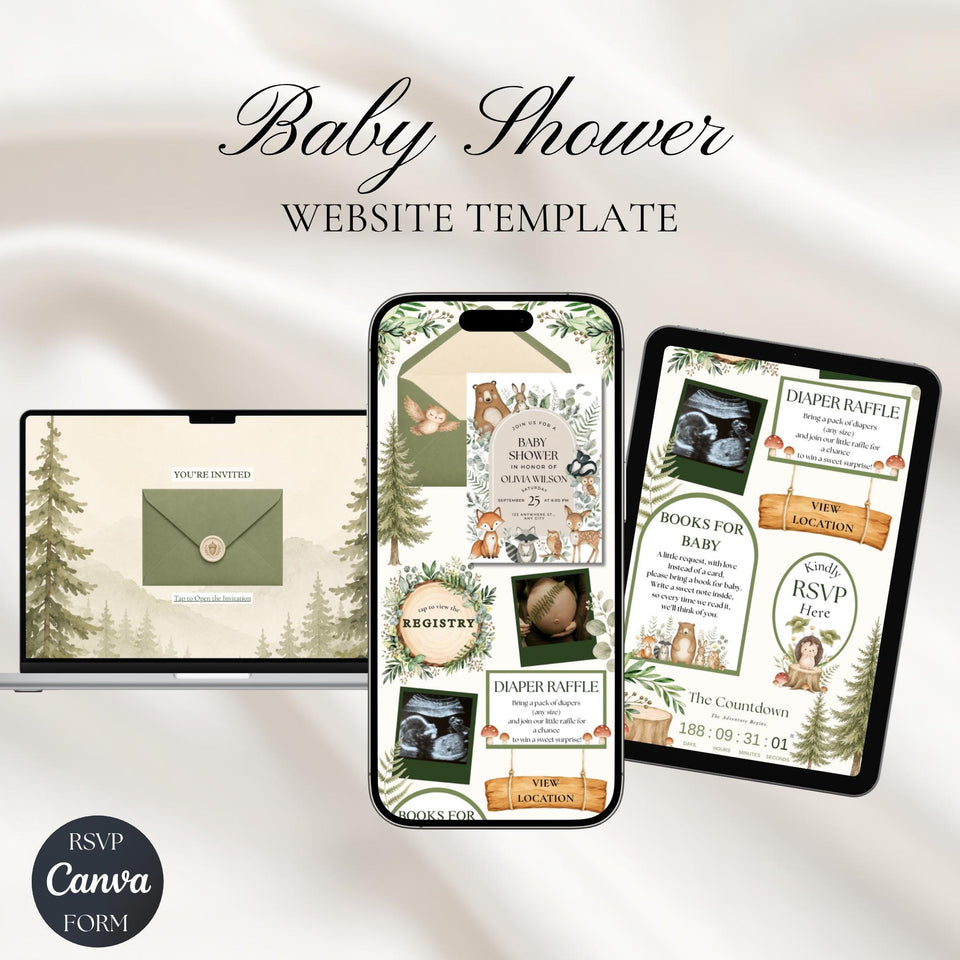
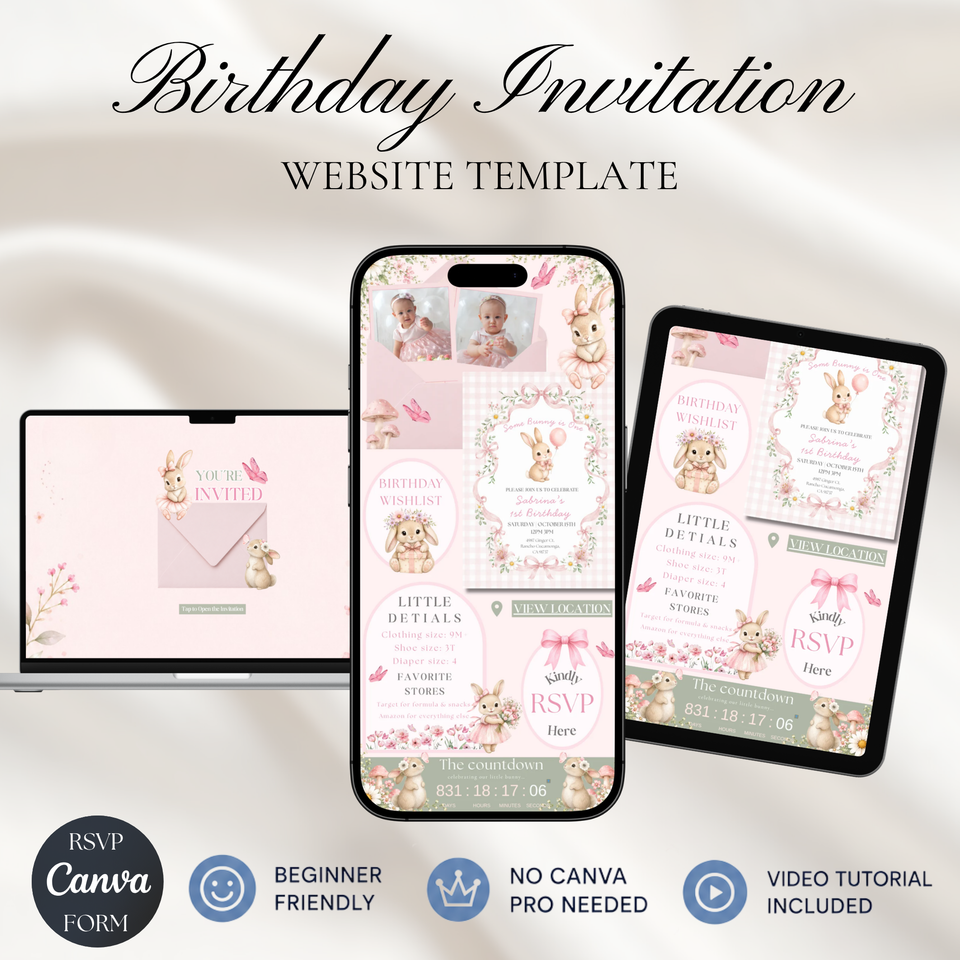
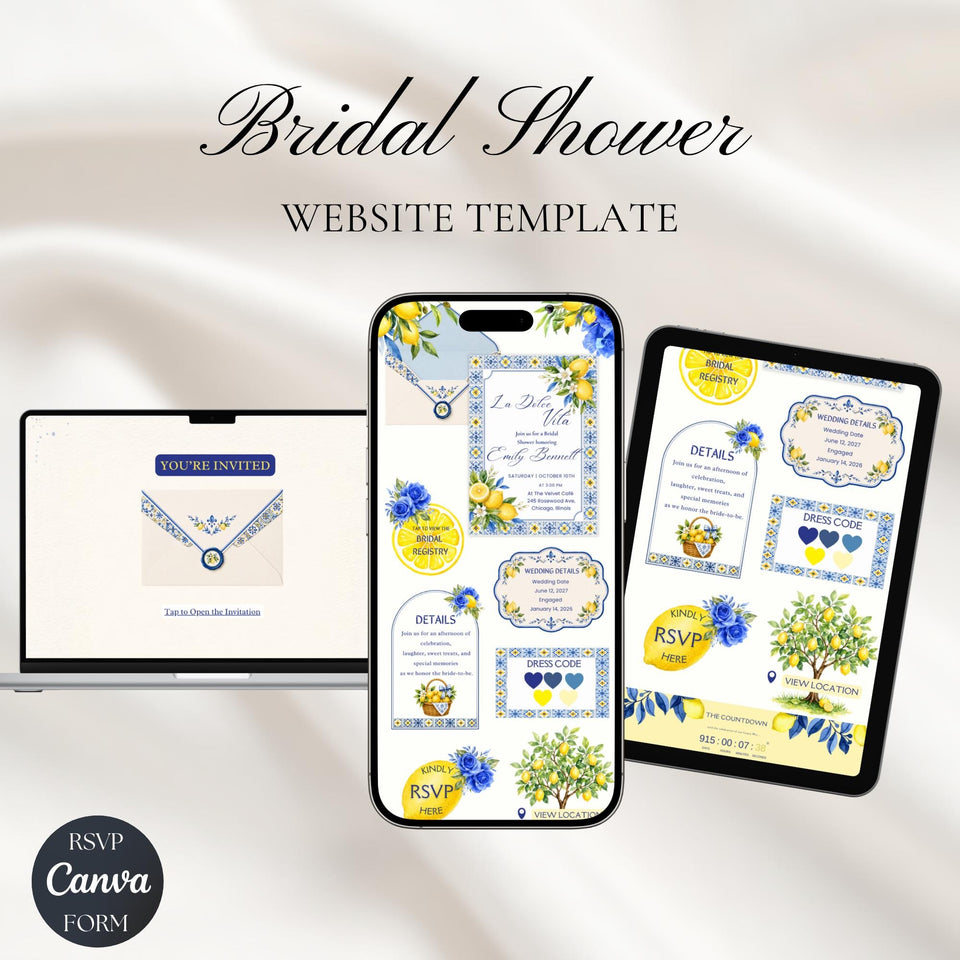
Editable Canva website invitations
A beautiful invitation.
Everything in one link.
Website invitation templates with RSVP, countdown, map and registry. Edit in Canva, publish, and share with your guests.
- 4.9 / 5 on Etsy
- 2,800+ Etsy sales
- Works with free Canva
- Instant access after purchase
Curated by The Invite Studio
Featured Designs
A few invitations to get the celebration started.
Cowboy Baby Shower
Fairy First Birthday
Baby Landing Soon
How it works
Your celebration, in four simple steps.
Choose
Find a design you love.
Edit in Canva
Add your details with a free Canva account.
Publish & Share
Send one invitation link to your guests.
Get RSVPs
See guest replies in Canva’s Responses tab.
One invitation, all the details
A little link that does a lot.
-
RSVP
Guest replies, in one place.
-
Countdown
Build excitement for the big day.
-
Map
Help guests find the celebration.
-
Registry
Share your gift list in a tap.
Find your favorite
More to celebrate
A little inspiration for your next happy occasion.
Lemon Baby Shower Invitation with RSVP
We Can Bearly Wait Baby Shower
Cielito Lindo Baby Shower Invitation
Pink Bow Baby Shower Invitation
Customer reviews
Easy to edit. Lovely to share.
The invitation itself was beautiful and it was so easy to put together. The only complaint that I have is that when people are clicking on the RSVP tab, if they don't click directly on the word "Registry," people were taken to "Jasmine's Baby Registry." No big deal to us but it can be to others.
Loved the invitation & it was so easy to use!!
This design was exactly what I was looking for! It was super easy to use, and the instructions are very easy to follow!
Good to know
Before you make it yours.
What will I receive?
You’ll receive a PDF with a link to your editable Canva website invitation template, plus a step-by-step guide to help you customize and publish your invitation.
Do I need Canva Pro?
No. You can edit and publish your invitation using a free Canva account. No Canva Pro subscription is required.
What can I change?
You can edit the text, photos, colors, event details, links, and other customizable elements. Make it yours before publishing and sharing it with your guests.
How do the RSVPs work?
Guests can RSVP directly through your published invitation — no Canva account is needed. You can view all responses inside your Canva template under Responses.
Do my guests need a Canva account?
No. Guests can open your invitation and RSVP directly from the link you share. They don’t need to sign in to Canva.
Where do I find my template?
After purchase, you’ll receive a PDF with a link to your Canva template. Click the link to open the template and start customizing.
Your next happy occasion
Ready to make it yours?
Choose a design. Add your details. Let the celebration begin.
Shop Invitations


